
Pi on your computer, controlled from your pocket
Remote control for Pi on iPhone
Pi in Pocket connects to a small open source bridge server on your computer, so you can monitor and control Pi from your iPhone or iPad.
No analytics. No tracking. The app and bridge do not collect any data.
Why you need the bridge
iOS cannot run your local Pi CLI directly.
Pi runs on your computer, inside your own projects and environment. Pi in Pocket runs on your iPhone. The open source Pi Bridge is the secure middle piece that lets both sides talk to each other.
Run Pi Bridge on the same computer as Pi, expose it through your private network, then connect from the app with a URL and token.
What you get
A native mobile view into Pi, without giving up your local computer setup.
Control Pi remotely
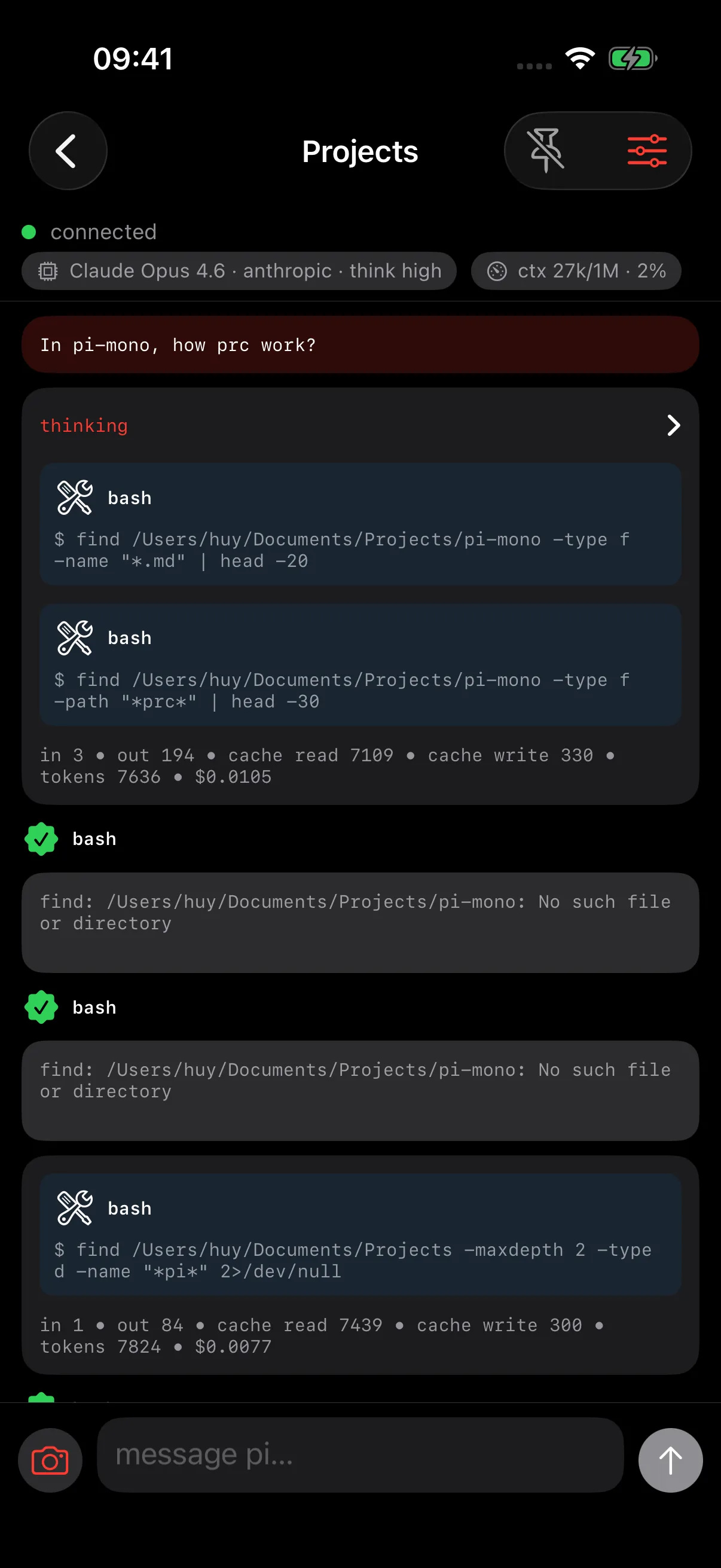
Send prompts, steer the current turn, and follow up from your iPhone.
Watch live progress
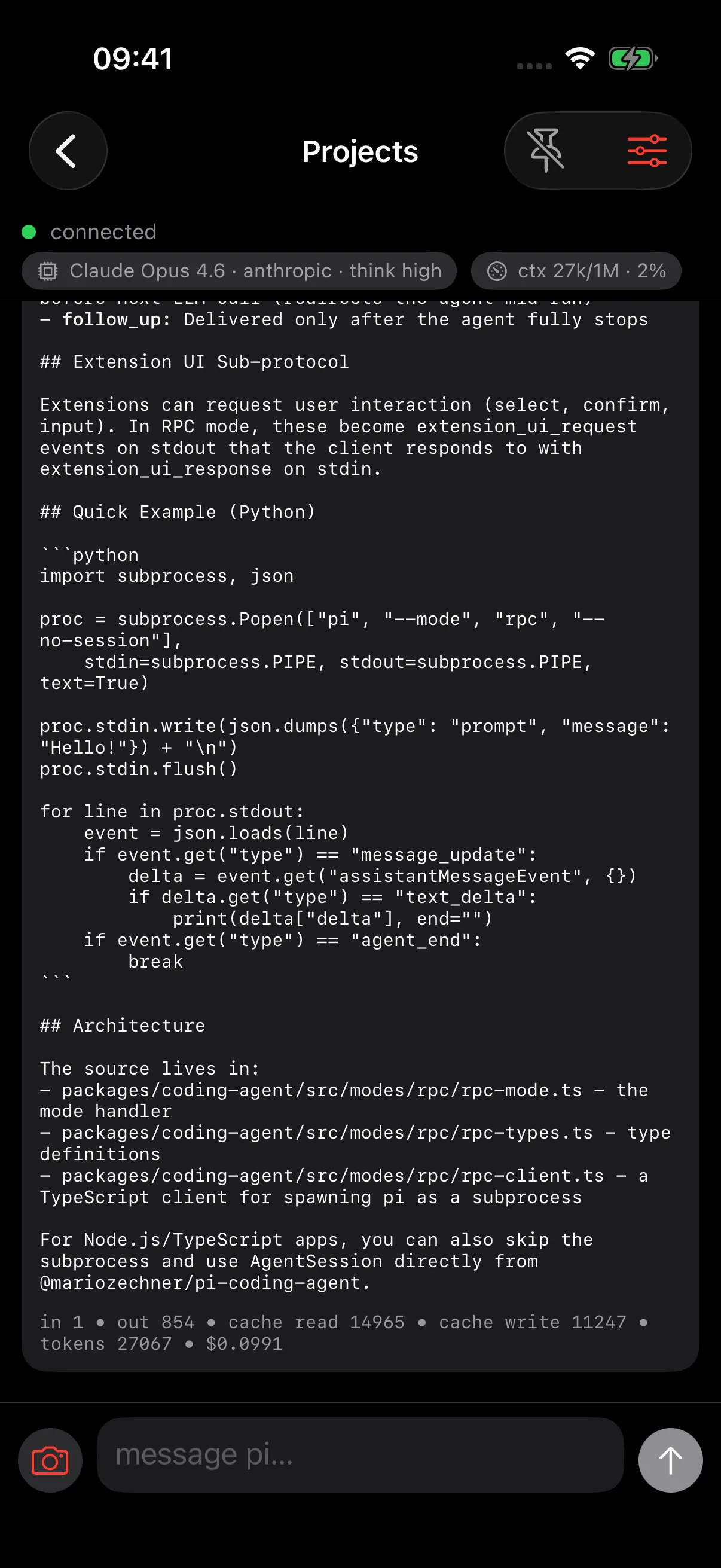
See messages, tool calls, and agent output stream back in real time.
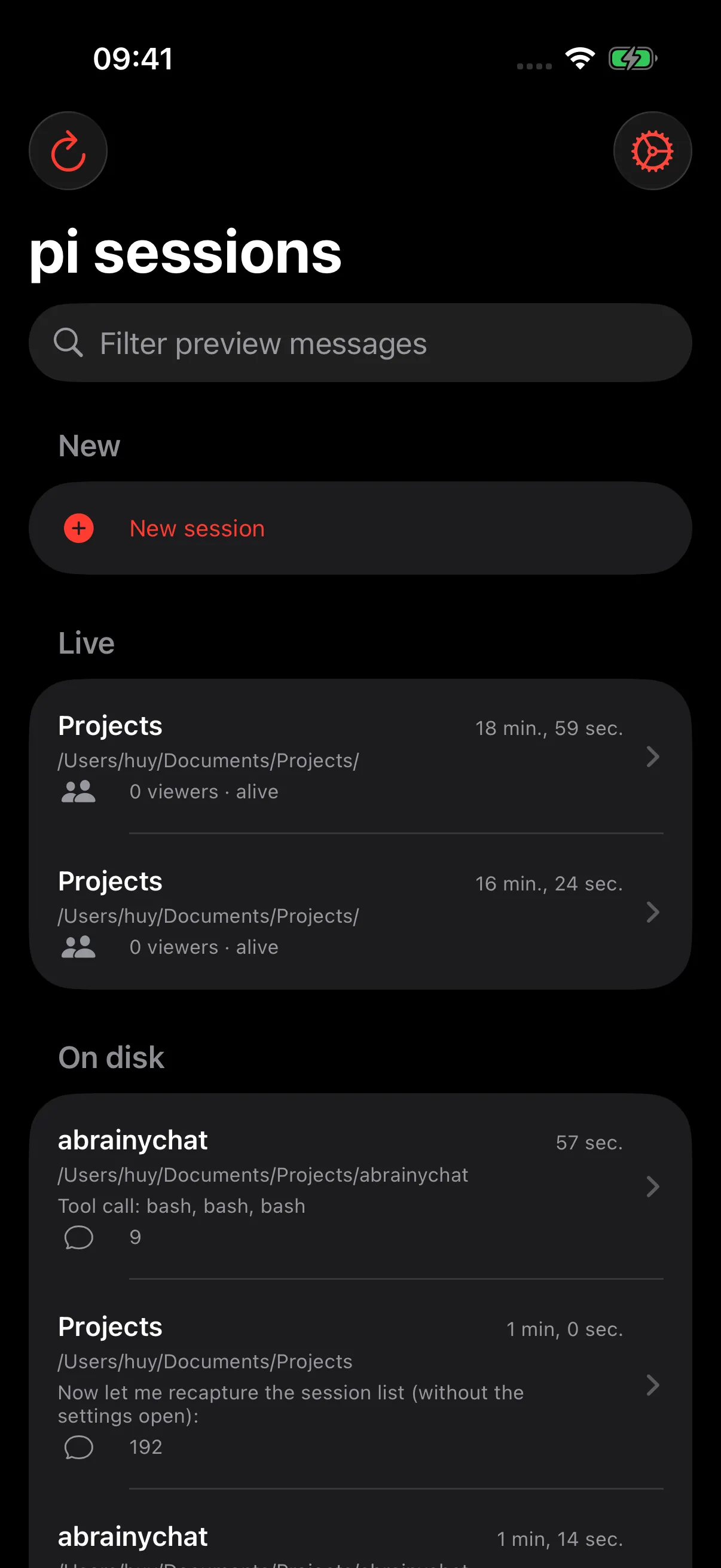
Pick up existing sessions
Browse Pi sessions on your computer and continue from where you left off.
Use your own Pi setup
Pi keeps running on your computer with your local config, projects, and models.
Self-hosted bridge
The open source bridge runs on your machine and connects the app to Pi.
iPhone and iPad
Native iOS experience with layouts that adapt from phone to tablet.
How to set it up
Pi in Pocket is designed for self-hosting. Your phone connects to your own computer, not to our cloud.
Install Pi in Pocket
Download the iOS app from the App Store.
Run Pi Bridge
Start the open source bridge on the computer where Pi is installed.
Connect privately
Use the same Wi-Fi, Tailscale, or a secure tunnel so your phone can reach your computer.
Paste URL and token
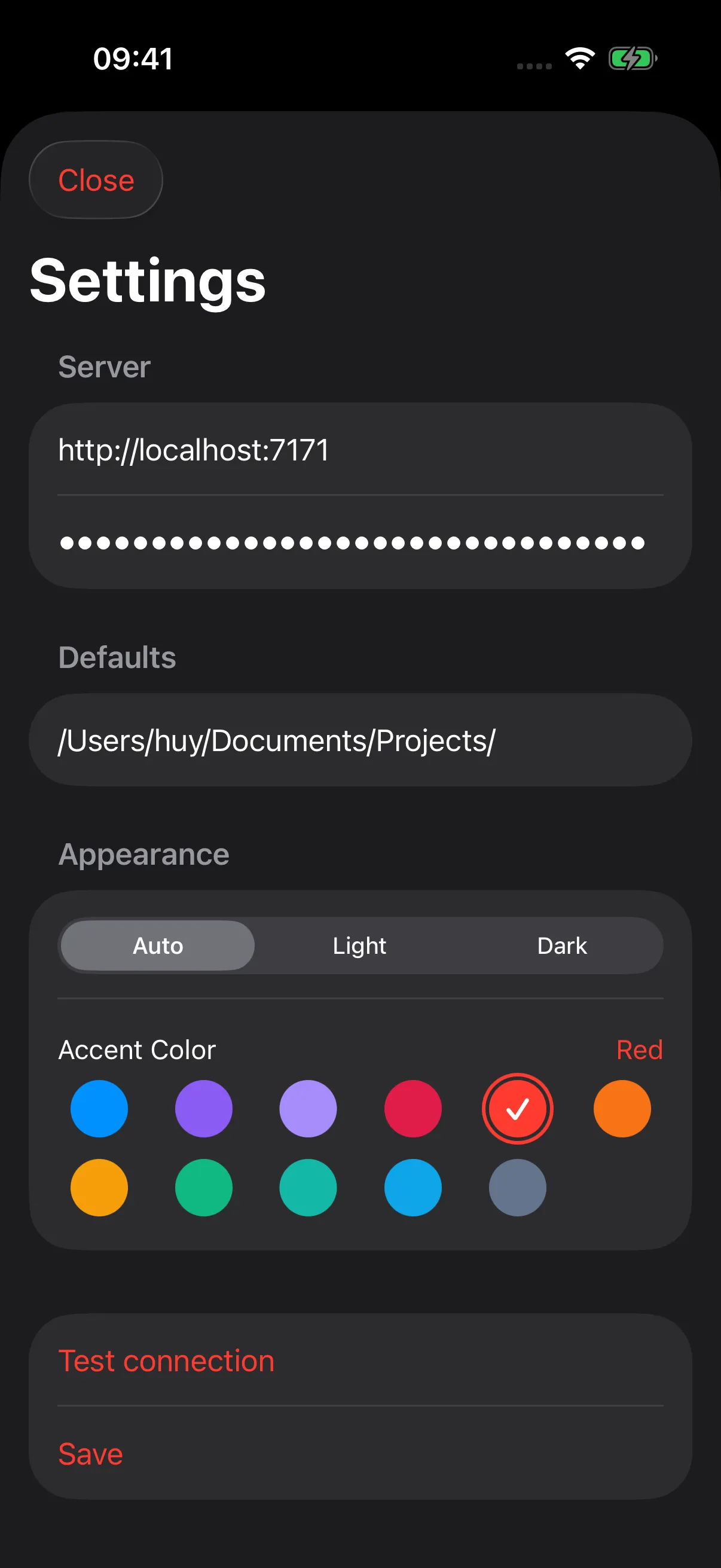
Enter the bridge URL and token in Pi in Pocket, then control Pi from your phone.
Simple mental model
Pi in Pocket is a remote viewer and controller. Pi Bridge is the self-hosted connection. Pi keeps doing the work on your computer.
Privacy first
No analytics. No tracking.
Pi in Pocket and Pi Bridge do not collect any data.